 Created in 2007 by the Pennsylvania Office of Child Development and Early Learning (OCDEL), The Pennsylvania Key implements the work and supports the policies developed and managed by OCDEL. Learn More. >
Created in 2007 by the Pennsylvania Office of Child Development and Early Learning (OCDEL), The Pennsylvania Key implements the work and supports the policies developed and managed by OCDEL. Learn More. >
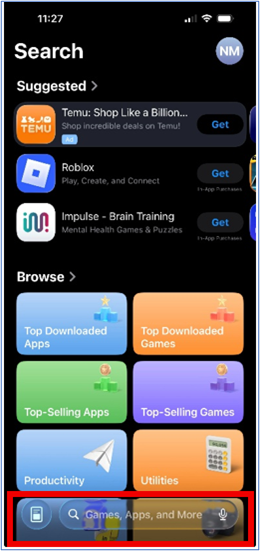
Created in 2007 by the Pennsylvania Office of Child Development and Early Learning (OCDEL), The Pennsylvania Key implements the work and supports the policies developed and managed by OCDEL. Learn More. >Go to the App Store on your iPhone.

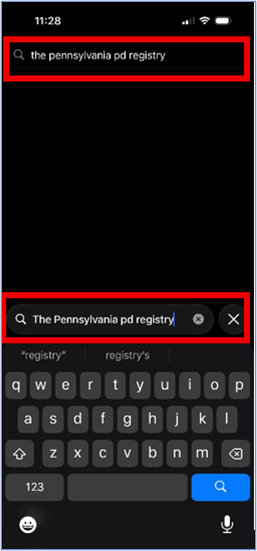
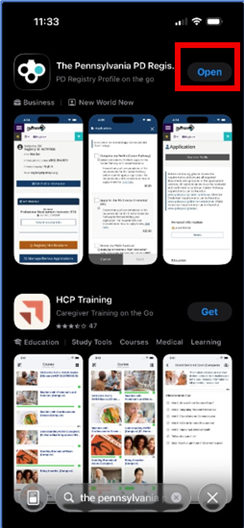
In the Search Bar, type The Pennsylvania PD Registry. Select the app.
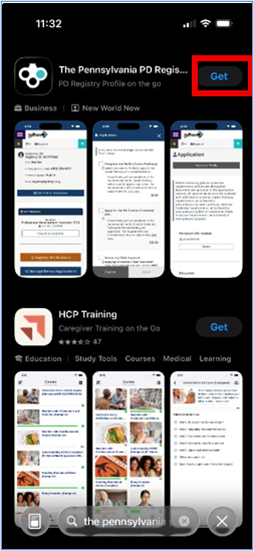
Select the Get button.
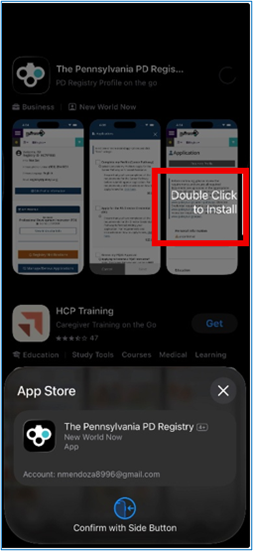
Double click the side button of the device to install.
Select Open to open the app or select the PD Registry app icon.
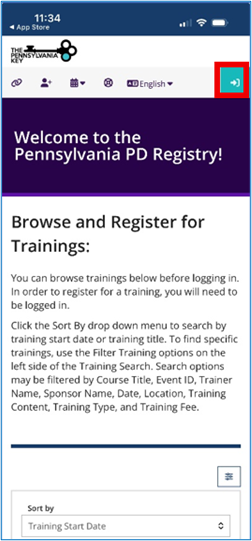
Select the login button on the Registry home page.
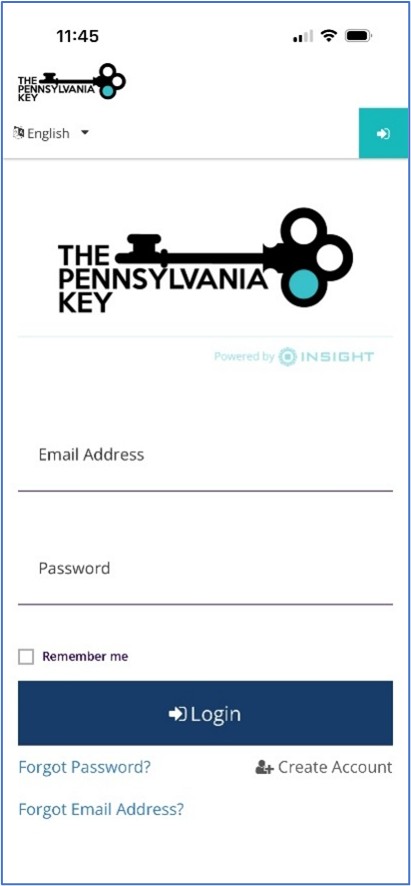
Enter your PD Registry account login credentials or create your account.
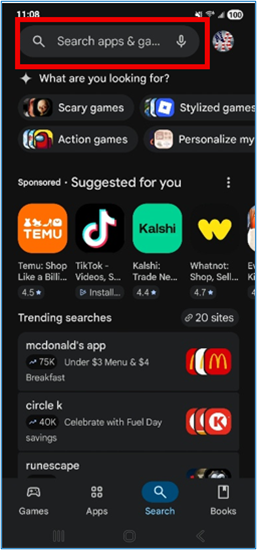
Go to the Google Play Store on your Android device.

In the Search Bar, type The Pennsylvania PD Registry. Select the app.
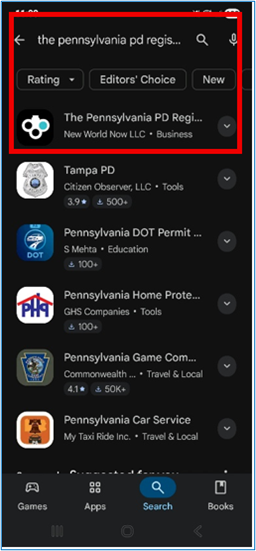
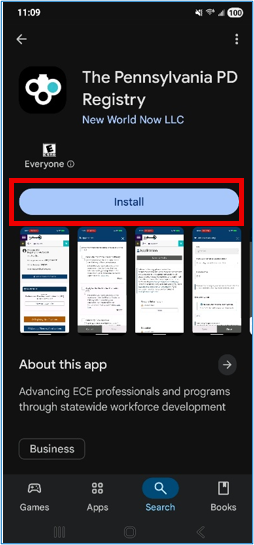
Select the Install button.
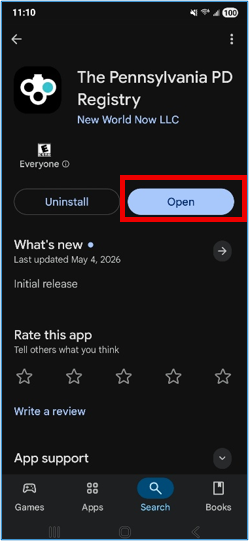
Select Open to open the app or click on the PD Registry app icon.
Select the login button on the Registry home page.
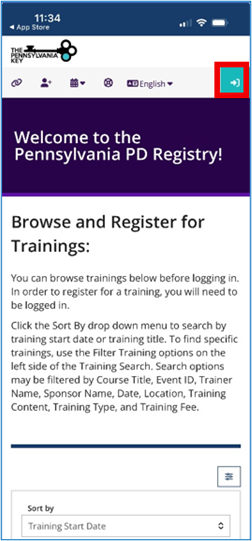
Enter your Registry account login credentials or create your account.
The PD Registry
registry@pakeys.org
1-800-284-6031