 Created in 2007 by the Pennsylvania Office of Child Development and Early Learning (OCDEL), The Pennsylvania Key implements the work and supports the policies developed and managed by OCDEL. Learn More. >
Created in 2007 by the Pennsylvania Office of Child Development and Early Learning (OCDEL), The Pennsylvania Key implements the work and supports the policies developed and managed by OCDEL. Learn More. >
Created in 2007 by the Pennsylvania Office of Child Development and Early Learning (OCDEL), The Pennsylvania Key implements the work and supports the policies developed and managed by OCDEL. Learn More. >For general information about The Pennsylvania Key’s international education evaluation initiative, you can visit the International Education Evaluation page.
Please note: The Pennsylvania Key does not require evaluation of any education completed in the United States or U.S. territories (including the District of Columbia, Puerto Rico, Guam, U.S. Virgin Islands, American Samoa, or the Northern Mariana Islands). Instead of ordering an evaluation, please contact the PD Registry at registry@pakeys.org to have your U.S. documents verified by the Career Pathway team and placed on the Career Pathway.
Applicants must begin at a special link, so their Pennsylvania PD Registry ID is collected correctly, and the order is processed without payment (Pennsylvania Key covers the cost):
Start at pennkey.ece.org.
On this page, applicants should see both the ECE® logo and The Pennsylvania Key logo. If not, clear cache, and try again. Before continuing, you should see both logos.
Click CREATE ACCOUNT.
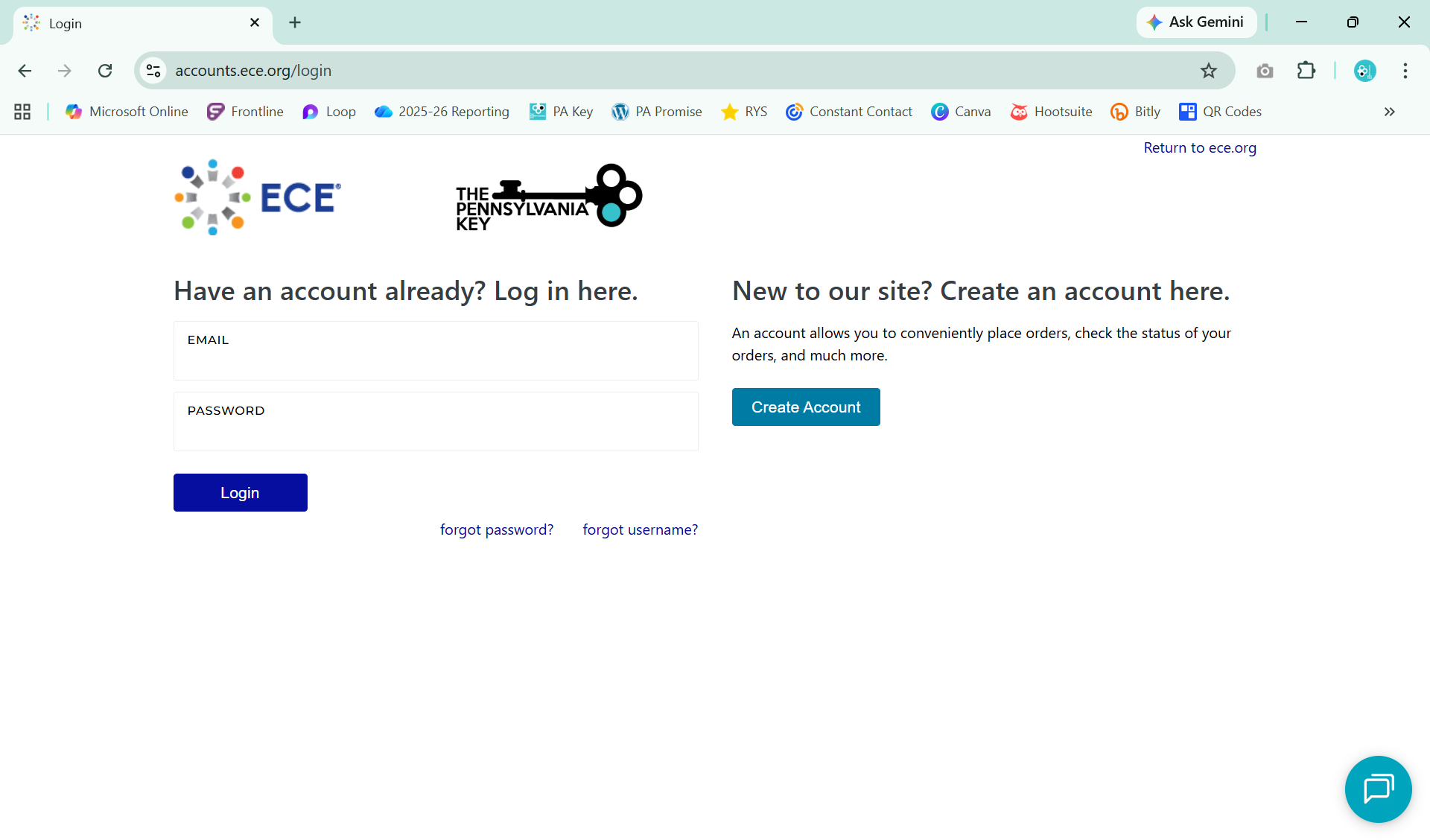
Applicants should enter:
Click Create Account.
Applicants will receive a message instructing them to check for an email from noreply@ece.org.
Open the email and click the verification link.
After verifying the email, return to pennkey.ece.org and log in. Once logged in, select:
Start Application under The Pennsylvania Key logo.
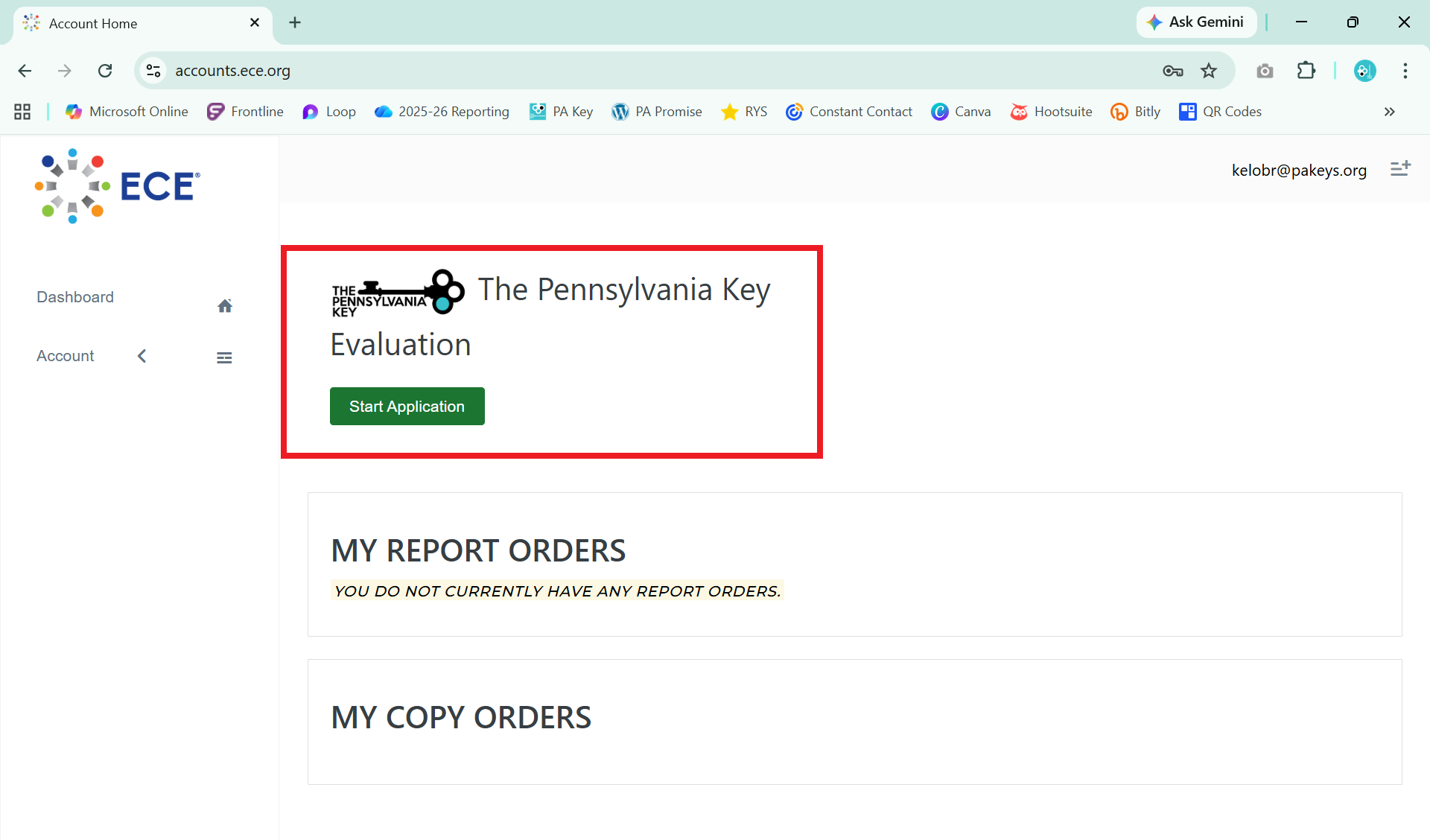
Step 1: Select Report Type
Read the descriptions to choose the correct report (see the summary at the end of this document).
Step 2: Enter Personal Information
Applicants must enter their Pennsylvania PD Registry ID. This field is required.
Step 3: Add Educational History
Documentation requirements vary by country. Applicants can review what documents are required on the Document Requirements page on the ECE’s website.
After opening the link, choose the appropriate country from the dropdown list to view requirements (e.g., original documents, transcripts, degree certificates, etc.).
When entering the educational history, please begin by entering high school followed by any post-secondary education if completed.
Step 4: Accept Terms and Conditions
Step 5: Review & Complete Order
Before submitting, applicants should review all entries for accuracy and then click Complete Order.
Once the order is submitted:
If the country’s requirements call for original or sealed documents that the applicant has on hand, they can use this form when sending those documents to ECE. If they are having the institution send documents directly to ECE, that form is not needed.
GENERAL REPORT
Select this option if you need evaluation of:
This report DOES NOT evaluate college courses or list completed coursework.
COURSE-BY-COURSE REPORT
Select this option if you need evaluation of:
Choose this option if the applicant has completed any college coursework or a degree.
Secondary (high school) documents are not required for this report.